Mobile apps that empower everyday progress.

Build better habits. Capture your thoughts. Track your progress.

Quillio - My Diary with Lock

Quillio – Private Digital Diary

Capture your thoughts, memories, and daily reflections in a secure and beautifully designed journaling app.

Quillio helps you build mindfulness and emotional clarity through mood tracking, media-rich entries, and customizable themes.

Write freely, stay organized, and keep your personal story always within reach.
Google Play  App Store  See more
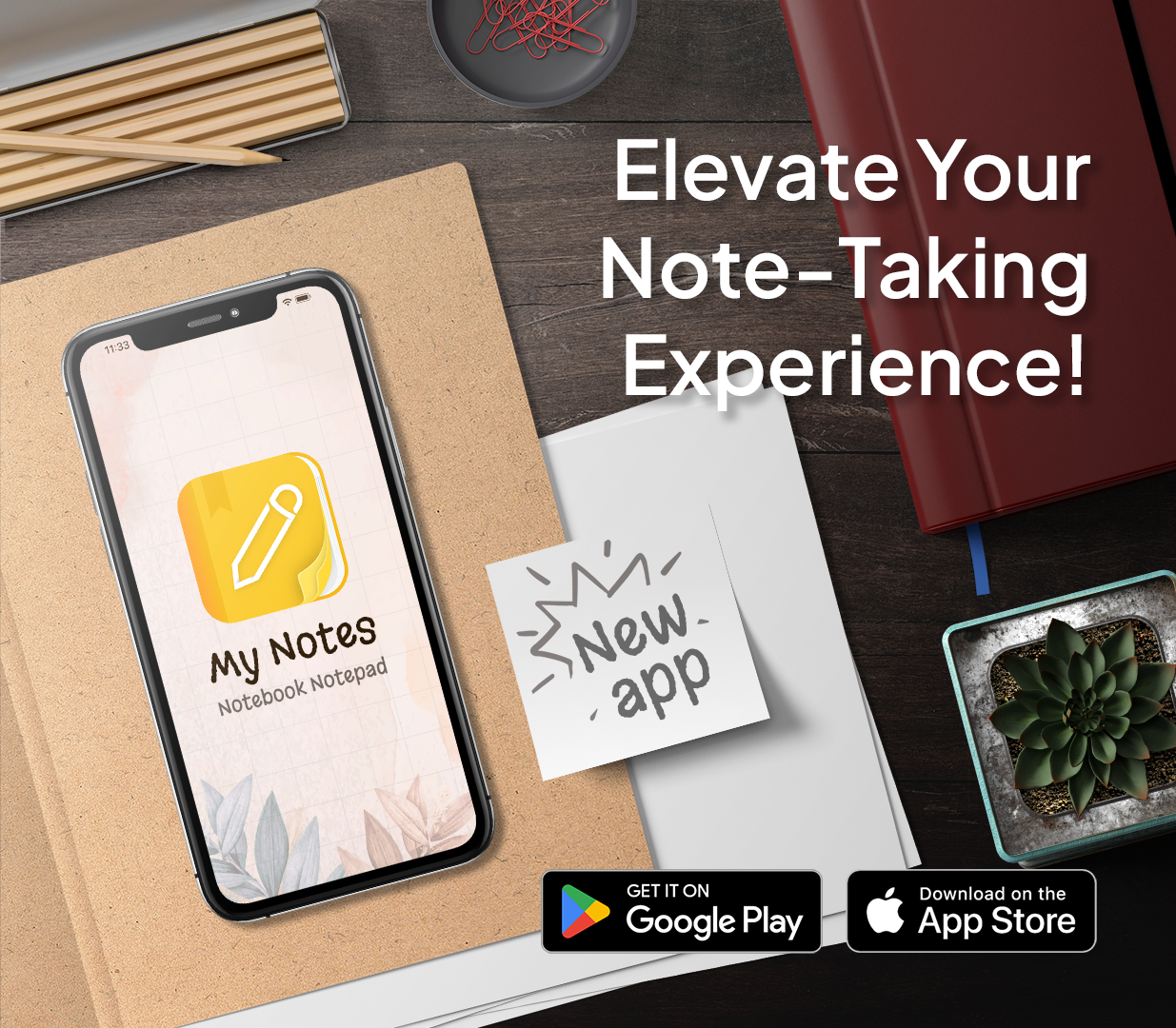
My Notes - Notebook, Notepad

My Notes – Smart Notebook & Organizer

Turn ideas into action with a modern note-taking experience built for clarity and productivity.

My Notes makes it easy to capture thoughts, manage tasks, and structure information using notebooks, reminders, and calendar views.

Stay focused, organized, and in control of your daily workflow.

Google Play  App Store  See more
Workout Tracker & Gym Routine

Workout Diary – Gym Planner & Progress Tracker

Plan workouts, track performance, and stay motivated with a powerful yet simple fitness companion.

Workout Diary helps you build consistent routines, monitor progress, and create training plans that fit your personal goals.

Train smarter, stay disciplined, and see real results over time.

Google Play  App Store  See more

Loved by millions of users worldwide

“I love this app! In the first 2 weeks I lost 2 inches off my waist, which I’m pleased with. After recent abdominal surgery, the exercises help me regain strength and fitness. I feel motivated to continue with workouts!”

— Workout Diary user

“I’ve used for a while now and really like it. I like being able to make individual entries, tag entries, and add picture & sound clips. It helps me be more grateful and positive. It also helps me get the negative thoughts out and view them more subjectively. Love the app.”

— Quillio user

“Love the app especially because it allows me to organize my writing into different notebooks. Always looking for quality apps that make my life easier to sort.”

— My Notes user